Camera Settings Cheat Sheet: The 3 Settings Behind Most Photos
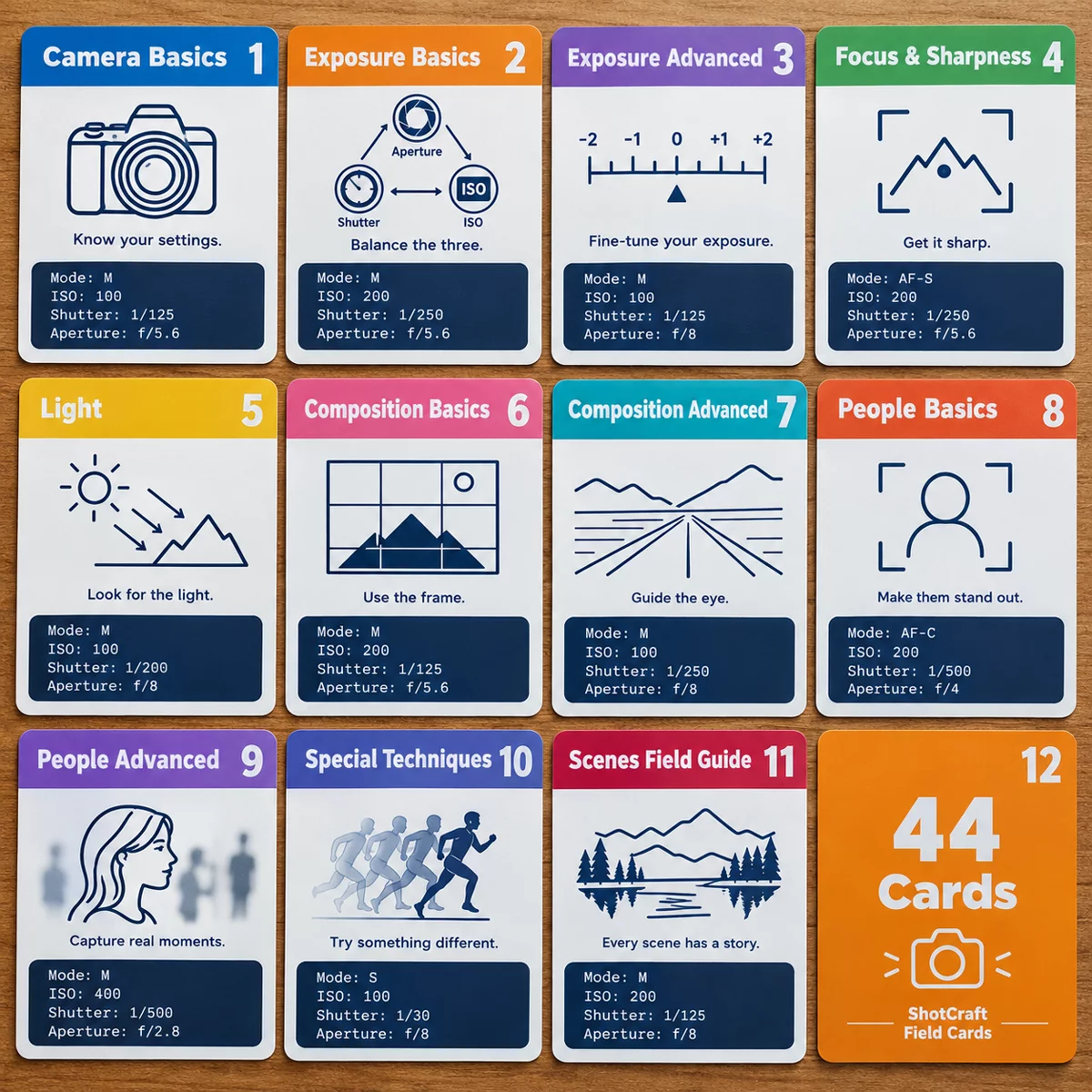
Three settings, aperture, shutter speed and ISO, decide the look of almost every photo, and a few safe starting values will carry you through most situations. This cheat sheet gives you those starting values, a focus and white balance default, and a "what to change" table for when a shot goes wrong. Keep it short on purpose: the goal is to stop guessing at the dial.
The core settings at a glance
| Setting | Beginner default | Change it when |
|---|---|---|
| Mode | A / Av (aperture priority) | You want control of motion: use S / Tv |
| Aperture | f/5.6 to f/8 | You want a blurred background (go lower) or more depth (go higher) |
| Shutter speed | Let the camera choose, but check it is 1/125s or faster | Subject moves or you see blur |
| ISO | Auto, with a maximum around 1600 to 3200 | You want cleanest quality: set 100 on a tripod |
| Focus mode | AF-S for still, AF-C for moving | Subject is moving toward you or fast |
| Focus area | Single point | Subject is erratic: use a zone |
| White balance | Auto | Colors look off: try Daylight or Cloudy |
1. Aperture
Aperture is the opening in the lens. A low f-number (f/2 to f/2.8) blurs the background and lets in more light. A high f-number (f/8 to f/11) keeps more of the scene sharp. If you do not know where to start, f/5.6 to f/8 is a safe middle. For a full explanation, read what aperture is and how depth of field works.
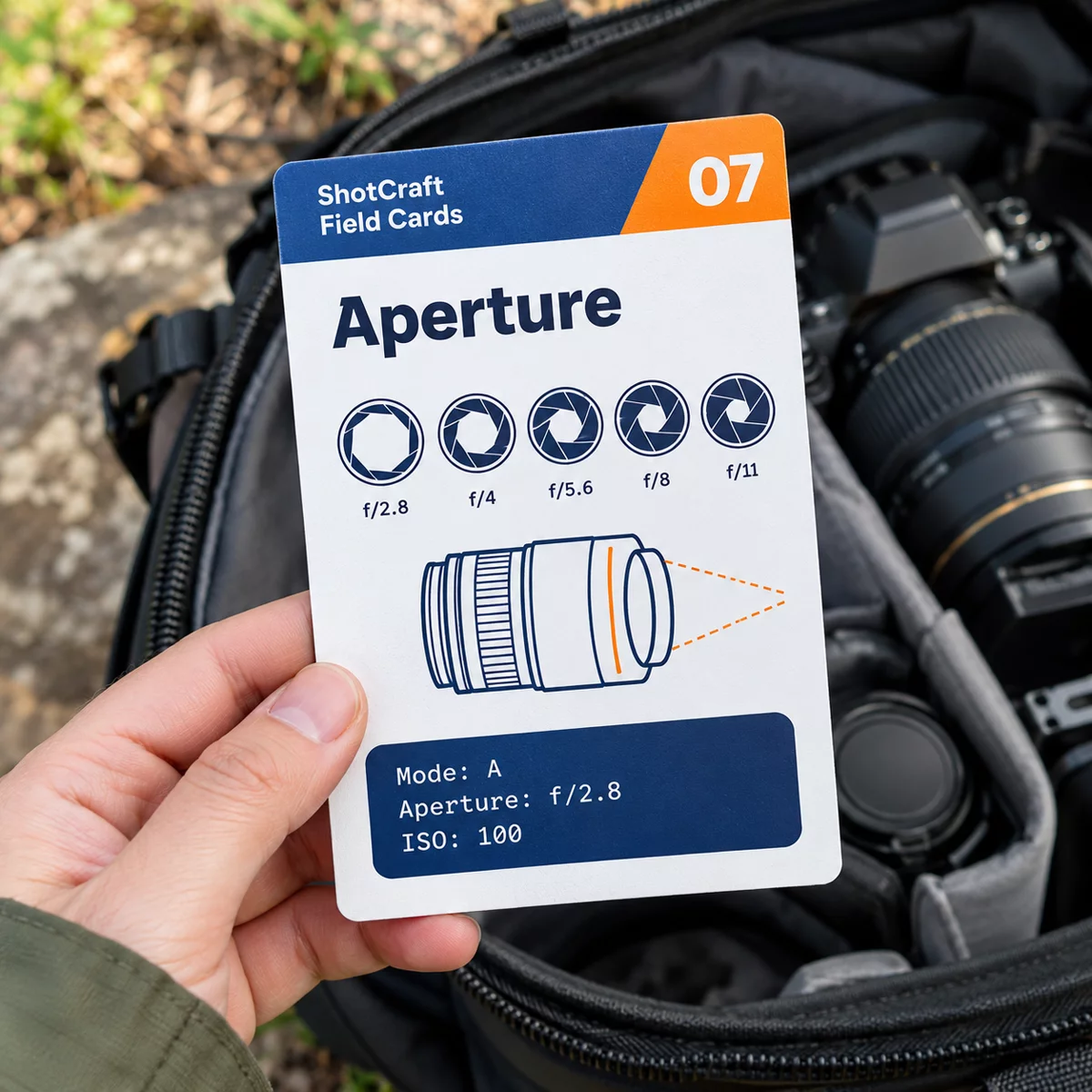
2. Shutter speed
Shutter speed is how long the sensor sees light. Fast speeds freeze motion and slow speeds let it blur.
- 1/1000s or faster: sports, birds, anything fast
- 1/250s: walking people and kids
- 1/125s: safe for most still subjects at normal focal lengths
- 1/30s to 1/4s: silky water, only with support such as a tripod
For handheld shots, use at least one over your focal length (1/50s at 50mm, 1/200s at 200mm). If your photos come out soft, the blur diagnosis guide walks through the causes.
3. ISO
ISO is sensor sensitivity. Use the lowest number the light allows: ISO 100 or 200 in daylight, 800 to 3200 indoors or at dusk. Higher ISO adds grain, but a sharp grainy photo beats a smooth blurry one. Open the aperture and slow the shutter to a safe speed first, then raise ISO.
4. Focus mode
- AF-S (single shot): locks once, for portraits, landscapes and anything still.
- AF-C (continuous): keeps tracking, for kids, pets and sports.
Use a single focus point and place it on the eye or the nearest important edge.
5. White balance
Auto works most of the time. Switch to Daylight for golden hour so the camera does not cool the warm glow, or to Cloudy for overcast scenes if the photo looks too blue.
Quick fixes: what to change
| Problem | Try this |
|---|---|
| Photo too dark | Raise exposure compensation, open the aperture, or raise ISO |
| Photo too bright | Lower exposure compensation, close the aperture, or use a faster shutter |
| Blurry subject | Faster shutter speed |
| Everything soft | Faster shutter, check focus point, wipe the lens |
| Background too sharp | Lower the f-number, step closer |
| Face too dark against a bright sky | Meter for the face, add +1 stop, or use a reflector |
| Too grainy | Lower ISO, open the aperture, use a tripod |
Three starting recipes
- Still subject in daylight: A mode, f/8, ISO 100, AF-S. Great for landscapes and buildings.
- Moving subject: S mode, 1/500s or faster, Auto ISO, AF-C. Great for kids, pets and sports.
- Portrait: A mode, f/2.8 to f/4, ISO 100 to 400, AF-S on the nearest eye.
These are starting points. Take a test shot, check the screen and the histogram, and adjust one setting at a time. The exposure triangle guide explains how the three trade off against each other.
Settings by situation
| Situation | Mode | Aperture | Shutter | ISO |
|---|---|---|---|---|
| Landscape on a tripod | A | f/8 to f/11 | Camera chooses | 100 |
| Portrait near a window | A | f/2.8 to f/4 | 1/125s or faster | 100 to 800 |
| Kids playing outside | S | Camera chooses | 1/500s or faster | Auto |
| Indoor party, no flash | A | Widest your lens offers | 1/125s or faster | Auto, max 3200 |
| Sunset sky | A | f/8 to f/11 | Camera chooses | 100 |
None of these is sacred. If the result is wrong, change one setting and shoot again. Over time, the changes you make most often are the ones worth memorizing.
Build the habit
Before you press the shutter, run a three-second check: Mode, light, subject. Which mode am I in? What is the light doing, bright, dim or mixed? Is my subject still or moving? Those three questions tell you what to change.
What ShotCraft Field Cards gives you
The ShotCraft set opens with a Start Here card: the three settings that cover roughly 80 percent of your photos, in one printable page. It also includes a one-page Quick Settings Sheet you can slide into the camera bag and 44 field cards that go deeper on each setting, including the Exposure Triangle, Aperture and Depth of Field, Shutter Speed and ISO cards. The bonus Scene Recipe Cards give ready-to-shoot settings for 16 scenes, such as moon, snow, fireworks and food at a restaurant. Everything prints at A5 or US Letter.
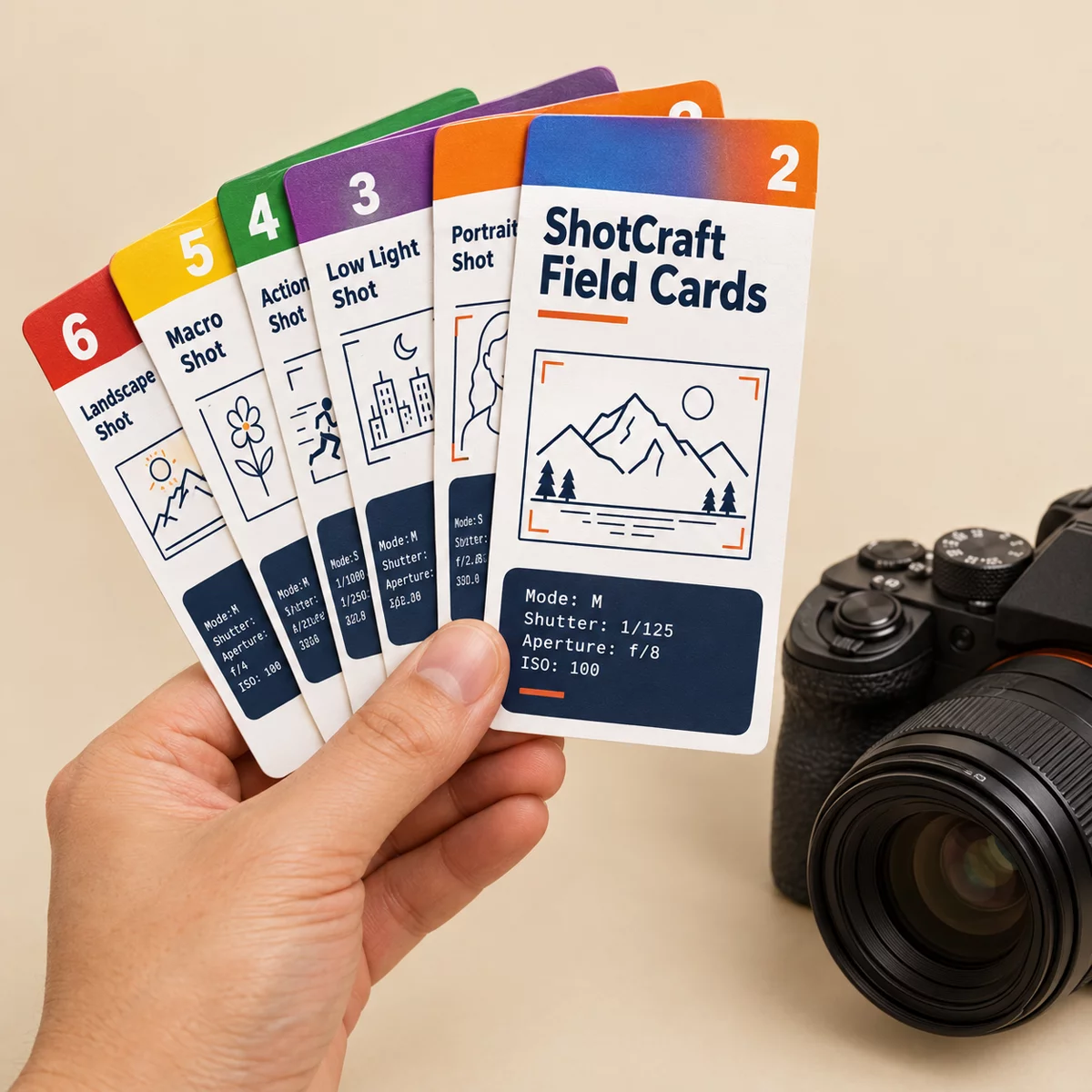
If you are choosing between formats, the comparison of photography cheat sheets explains what each kind is good for.