How to Photograph the Moon: Camera Settings and Steps
The secret to a sharp moon is to expose it like a daytime scene, not a night scene. The moon is lit by the sun, so it is bright. Shooting it with "night" settings turns it into a glowing white dot with no craters. Use your longest lens, a fast shutter speed, base ISO, manual focus and a steady support.
Settings to start with
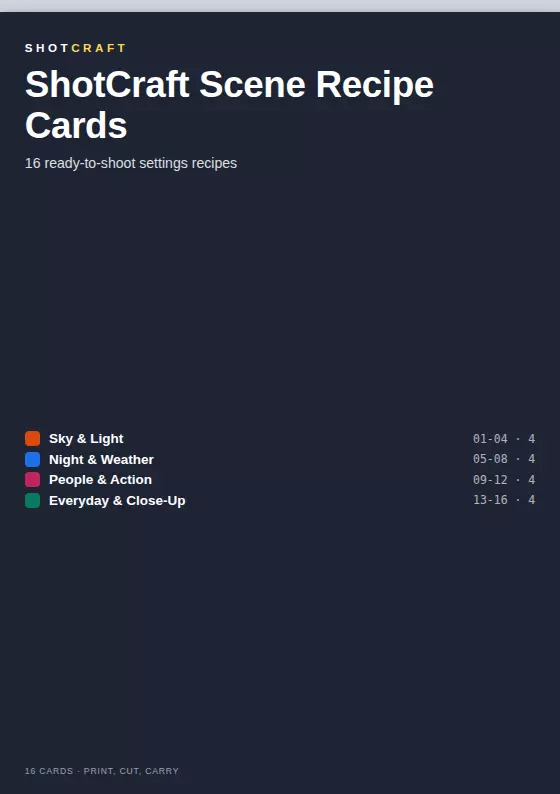
These starting values come from the Moon recipe in the ShotCraft Scene Recipe set. Treat them as a first test, then adjust by looking at the results.
| Setting | Starting value |
|---|---|
| Mode | Manual (M) |
| Aperture | f/8 |
| Shutter speed | 1/250s |
| ISO | 100 |
| Focus | Manual focus, using live view zoom |
| White balance | Daylight |
| Drive | 2-second timer |
Step by step
- Use your longest lens. A 200mm or longer lens shows craters. A wide lens turns the moon into a tiny dot in a big sky.
- Mount the camera on a tripod. At long focal lengths, small shake becomes large blur. If you have no tripod, brace the camera on a wall or a car roof.
- Switch to manual mode and enter the starting values above.
- Focus manually. Autofocus can hunt in the dark. Turn on live view, zoom in on the edge of the moon and turn the focus ring until the edge is crisp.
- Use a 2-second timer or a remote so pressing the button does not shake the camera.
- Take a test shot and check the highlights. If the moon glows without detail, lower ISO or speed up the shutter. If it is dull and dim, slow the shutter a little.
- Bracket the exposure. Shoot at 1/125s, 1/250s and 1/500s, then choose the one with the crispest crater detail.
Common mistakes
- Night-scene settings. A long exposure or a high ISO blows the moon out. Shoot at base ISO.
- A shaky shot. Use a tripod and a timer.
- Expecting a huge moon. The moon fills only a small part of the frame at most focal lengths. Crop in editing. Even a 200mm lens shows more detail than you expect.
- Trusting autofocus. Switch to manual focus and use live view zoom.
Why the settings seem backward
Most photographers think "dark sky, so slow shutter". That logic fits stars but not the moon. The moon is a sunlit surface, much like a gray rock in daylight, so the right exposure is much faster than the surrounding dark sky suggests. If you want the sky to show too, the exposure will be a compromise, and it is easier to shoot the moon on its own first and add foreground in a second photo.
Add a foreground
Once you can expose the moon, put it above something interesting. Shoot around dusk, when the sky still has some light, so the moon and the landscape can both be exposed. The golden hour guide explains how to plan for that low-light window, and silhouette photography shows how to turn trees or buildings into clean black shapes against a bright sky.
What ShotCraft Field Cards gives you
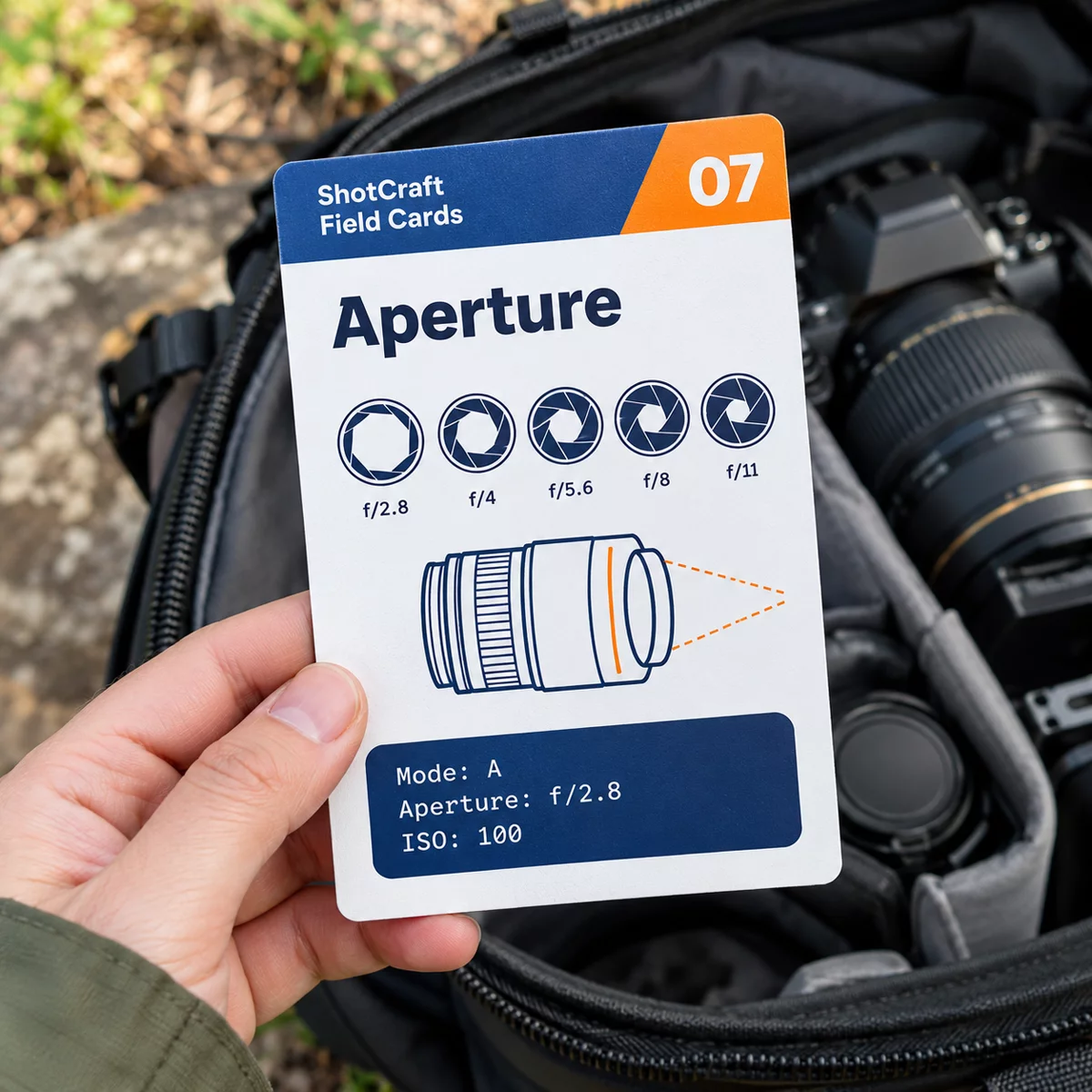
The bonus Scene Recipe Cards put 16 ready-to-shoot setups on single cards, and Moon is one of them, with the settings above, the mistakes to avoid and a tip: crop in later. The main set's 44 field cards teach the basics behind it, like the exposure triangle and manual focus. All files print at A5 or US Letter. Keep them in your bag and look up the setting in seconds when the moon rises.
Practice
On the next clear night near a full moon, shoot at 1/125s, 1/250s and 1/500s, and pick the crispest crater detail. Note the winner. To understand why those numbers work, read the exposure triangle guide, or use the camera settings cheat sheet for the few settings to check before any shoot.