Photography Journal: What to Record in Your Shot Log After Every Outing
A photography journal is a short, structured record of your shoots that connects the settings you chose to the results you got. It is not a diary. A few lines after each outing teach you more than a hundred new tips, because you learn from your own choices instead of from someone else's. This guide shows what to record, a simple format, how to review it and how to avoid the common reasons people quit.
Why keep one
Photographers improve fastest when they connect settings to results. Your camera stores a record of settings in each file, but that does not make you think. Writing a line forces a small decision: what did I choose, did it work and what will I change?
A journal also solves several practical problems:
- You stop repeating mistakes. Soft shots at 1/30s are easier to spot when the pattern is on one page.
- You find your style. The settings you reach for again and again are your preferences.
- You see progress. Flipping back through a few months of entries shows how far you came.
- You have a source for the next trip. A line about a location, the light and what you wished you had brought helps you plan.
What to record
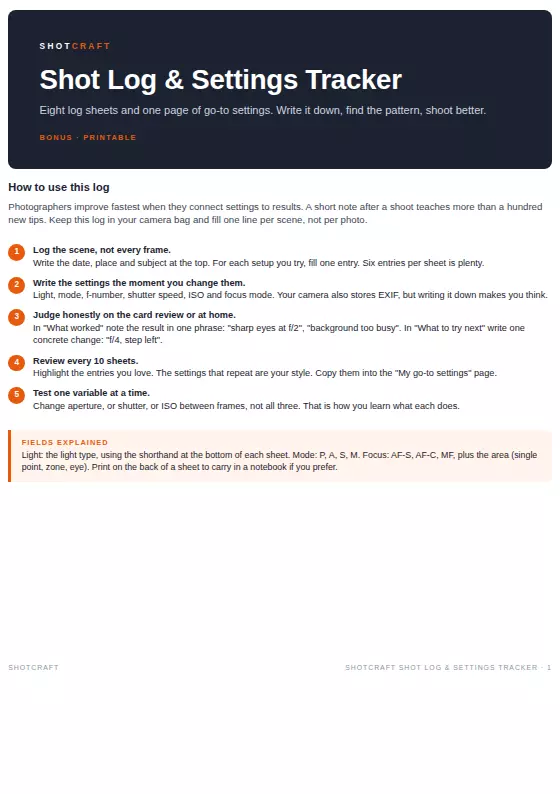
Log the scene, not every frame. One line per setup you try is enough.
| Field | What to write | Example |
|---|---|---|
| Date, place, subject | Where and what | Oct 12, harbor, fishing boats |
| Light | Short code for the light type | GH (golden hour), O (overcast), SH (shade) |
| Mode | P, A, S or M | A |
| Aperture | f-number | f/8 |
| Shutter speed | Time | 1/250s |
| ISO | Number | 200 |
| Focus | Mode and area | AF-S, single point |
| What worked | One phrase | Sharp boats, warm water |
| What to try next | One concrete change | Lower angle, f/11 |
A shorthand for light keeps it quick: Sun (S), Overcast (O), Shade (SH), Golden hour (GH), Indoor window (IW), Artificial (A), Night (N).
Rules that make it work
- Write the settings the moment you change them. Memory fades by the time you get home.
- Test one variable at a time. Change aperture, or shutter, or ISO between frames, not all three. That is how you learn what each does.
- Judge honestly. Use the camera screen zoomed to 100%, or wait until you are at the computer. Note the result in one phrase: "sharp eyes at f/2", "background too busy".
- Write one concrete change for next time, not a vague wish. "f/4, step closer" beats "do better".
- Keep it short. Six entries per sheet is plenty. A log you can fill in thirty seconds is a log you will keep.
A review routine
Once you have ten sheets, sit down for twenty minutes:
- Highlight the entries you love. Which photos make you smile?
- Look for the settings that repeat. They show how you like to shoot.
- Count the failures by type. Blur, wrong exposure, missed focus, cluttered background. The most common one is your next lesson.
- Copy your best settings into a "go-to" page. Over time it becomes a personal cheat sheet for the light you shoot in most often.
- Pick one thing to practice and set a small target, such as ten sharp portraits at f/2.8.
If your most common failure is blur, the blur diagnosis guide can help you isolate the cause. If you want a short list of starting values to compare against, use the camera settings cheat sheet.
Paper or digital?
| Paper | Digital | |
|---|---|---|
| Speed in the field | Fast with a pen, works in rain or cold with care | Fast with voice notes or a notes app |
| Searching old entries | Slow | Fast |
| Distraction | None | Notifications |
| Sketches and diagrams | Easy | Needs an app |
| Battery | Never | Needed |
Many photographers pick paper for the field and type up highlights later. Either works, and the only wrong choice is the one you stop using.
Add practice to the log
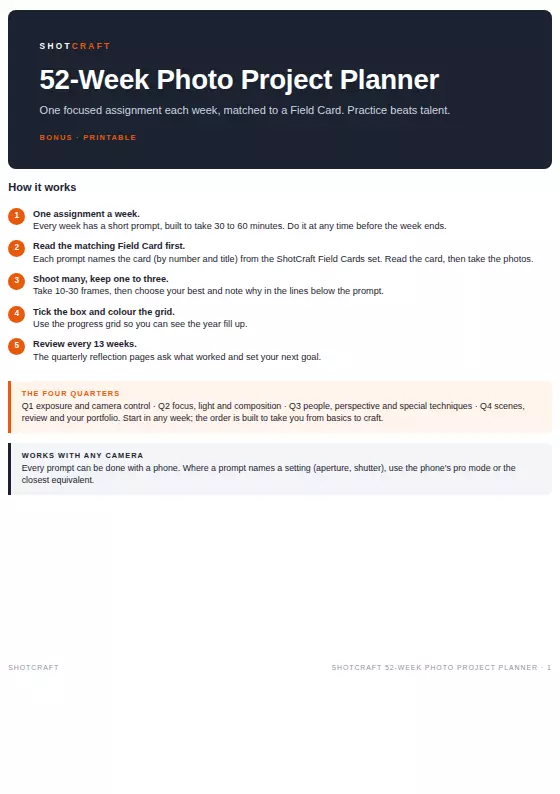
A journal pairs well with a structured plan. Choose a challenge, shoot it, log the settings and write the lesson: see the 30-day photography challenge. The log turns each assignment into something you can compare week to week.
What a journal is not
It is not a place for long essays, and it is not meant to be pretty. If a page feels like homework, trim the fields. Some people only log the keepers, and some only log the failures. Choose what teaches you the most.
Starter prompts for your first week
- Write the date, place and subject at the top of a page.
- For each of three scenes, note the light and your three exposure settings.
- Mark one "what worked" and one "what to try next" for each.
- After the week, count which setting you changed most often.
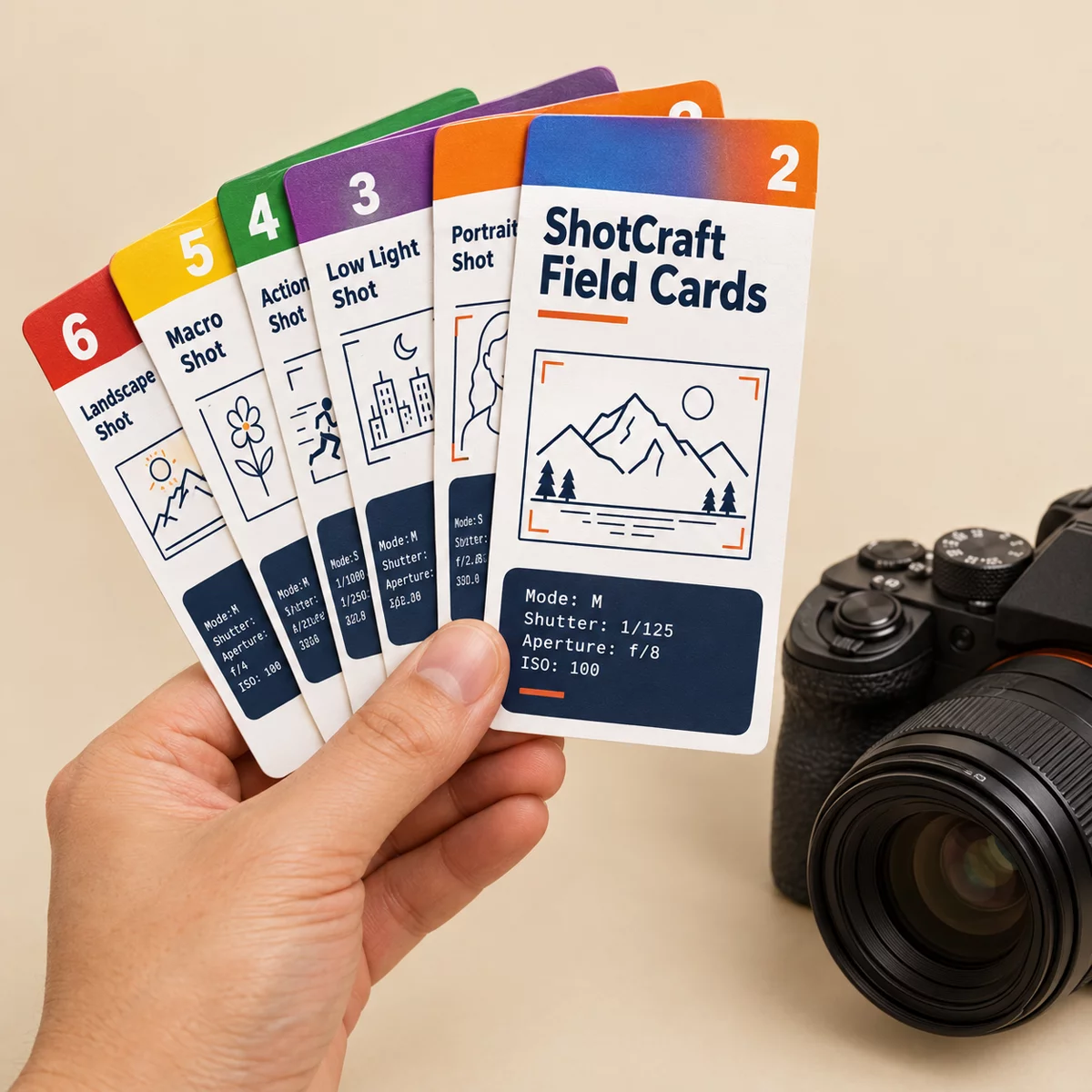
What ShotCraft Field Cards gives you
The main ShotCraft set includes a Shot Log & Settings Tracker, a printable bonus with eight log sheets and a "my go-to settings" page. It uses the fields above: date, location and subject, then light, mode, aperture, shutter, ISO and focus, with lines for "what worked" and "what to try next", and the light shorthand printed at the bottom of each sheet. It sits next to 44 field cards, a one-page Quick Settings Sheet and 7 printable checklists for before, during and after a shoot. Files print at A5 or US Letter, so the log can live in the camera bag. If you are choosing a present for a photographer, a log pairs well with a planner: see gifts for photographers who want to learn.